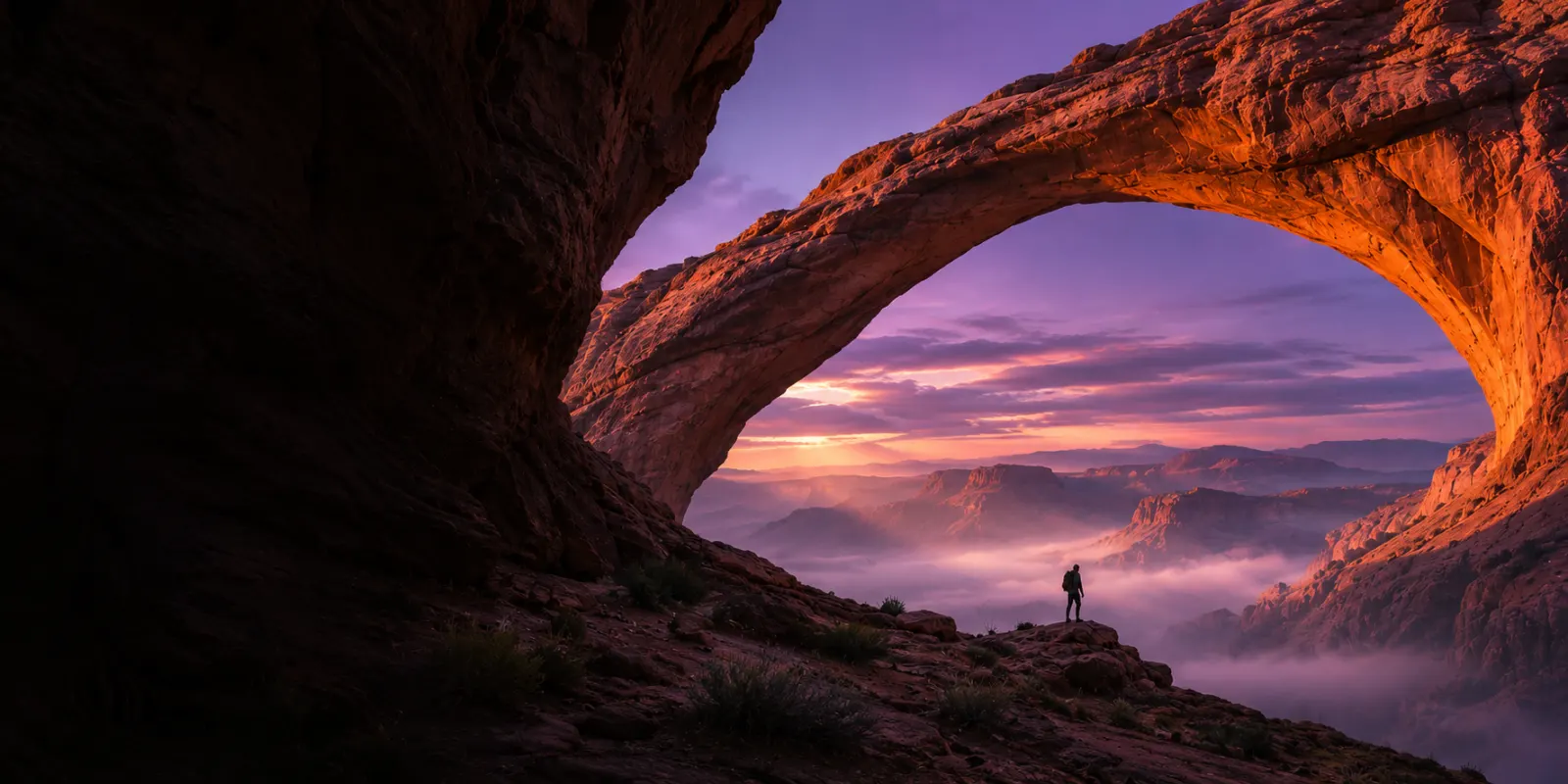
 EXAMPLE IMAGE
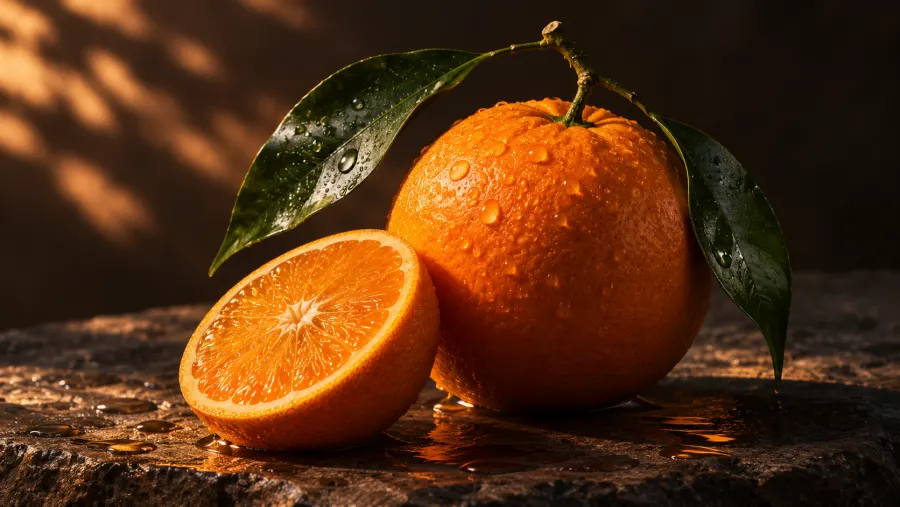
Citrus Still Life
View templateHow it works
- Step 1
Choose your format
Start with an image or a video.
- Step 2
Start with a prompt
Write your own or edit a template.
- Step 3
Submit and wait
Submit your prompt and wait. The result appears in your workspace when ready.
- Step 4
Preview and download
Open your sample and save it.
 Workspace
Image Generator
- Prompt
- Fresh oranges in warm side light.
Your result
Frequently asked questions
What can I make in KinlorAI?
The workspace brings image and video creation into one place. Choose a format, describe your idea, and select an aspect ratio. Featured examples show both formats.
Can I look around before signing in?
Yes. Browse examples on the homepage or open the workspace to try the example flow. Sign in with Google to access your account and credit balance.
Can I download the results?
Open a finished item in the workspace. Use Download to save the image or video, and My creations to return to earlier items.
How do credits work?
You can view your balance in the workspace. Paid credit packs are not available yet. Credit pricing
How does KinlorAI handle my data?
We use your prompt and workspace activity to provide creation history. Analytics is optional. Privacy Policy